

Description
Download Keycounter – Free Keyboard Usage Monitor for Windows & Mac
Keycounter is a lightweight, privacy-focused keyboard utility designed to help users track their keystroke volume over time. Developed by Zhornsoftware, this free tool monitors the number of keystrokes made during a session, offering real-time insights into typing habits, productivity spikes, and writing or gaming performance. Unlike invasive keyloggers that record every key pressed, Keycounter only counts keystrokes—making it a secure, transparent solution for users concerned about privacy. With a clean interface and built-in graph visualization, it helps writers, students, and gamers understand their workflow patterns without storing sensitive data. The app runs silently in the background, consuming minimal system resources, and is ideal for anyone looking to improve focus, reduce burnout, or analyze APM (actions per minute) in competitive gaming. Whether you're working on a novel, preparing for exams, or training for esports, Keycounter delivers actionable data in a simple, intuitive format.
Key Features of Keycounter
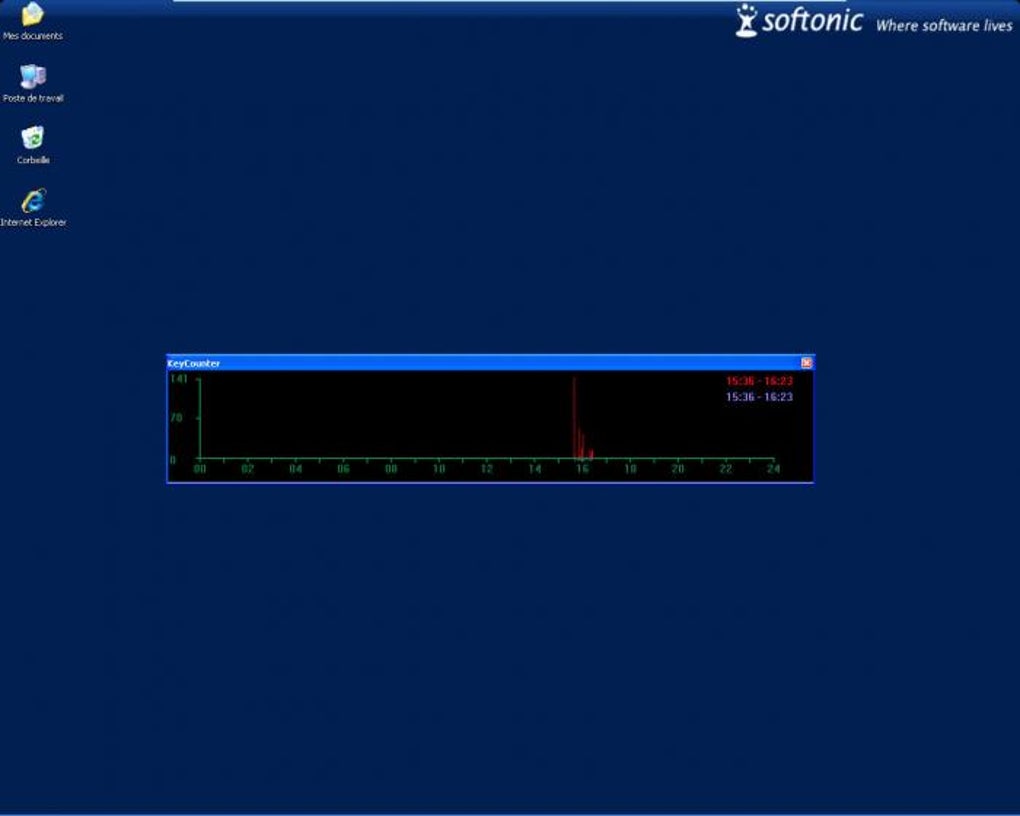
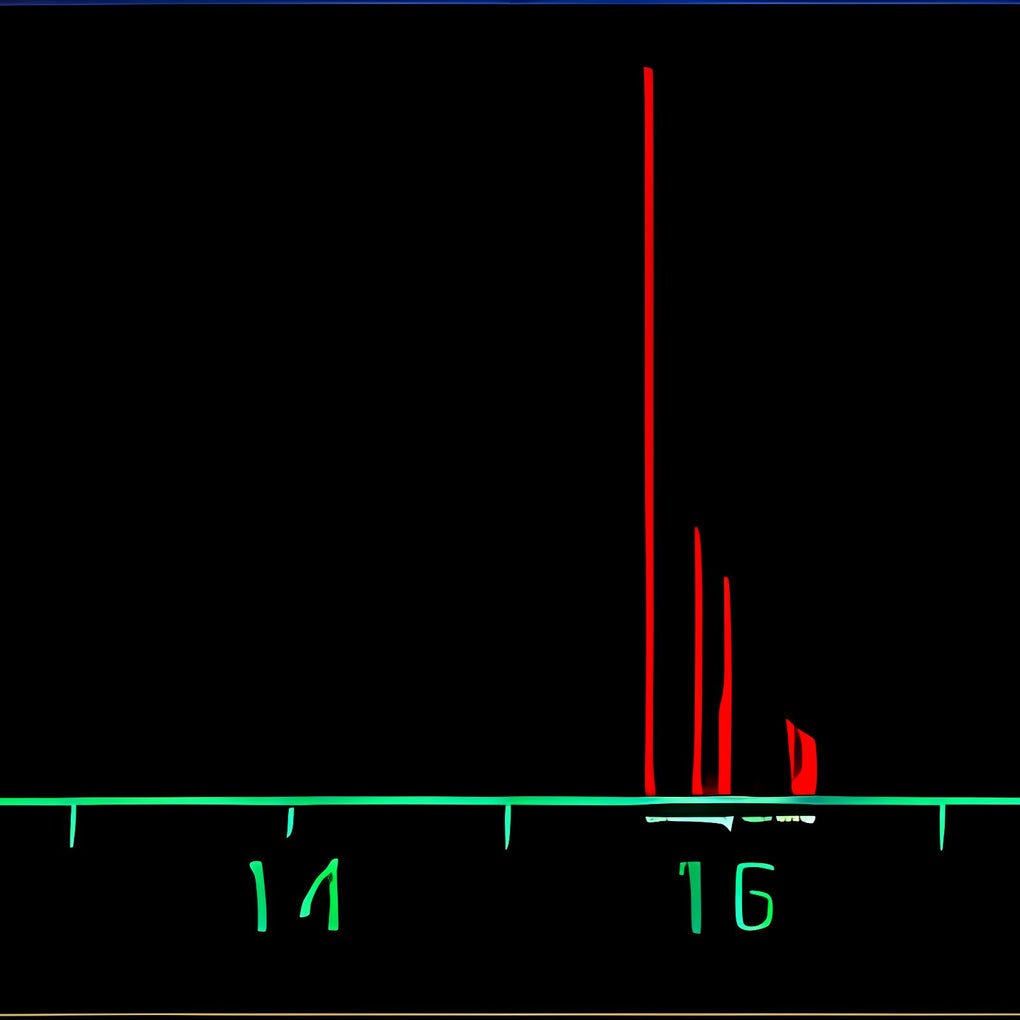
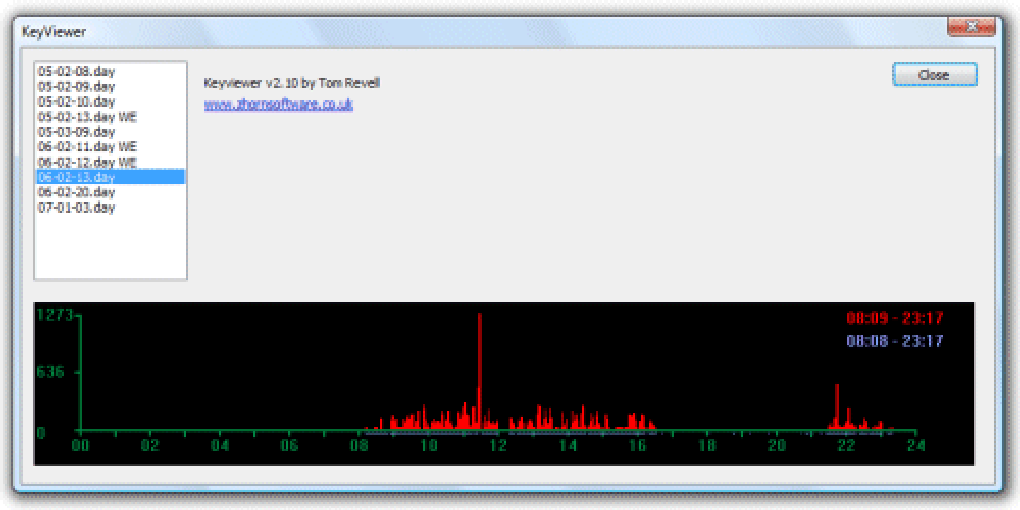
Keycounter stands out in the crowded field of productivity tools thanks to its focused, privacy-first approach. At its core, the software tracks the total number of keystrokes made across all applications, providing users with a clear picture of their keyboard activity. One of its standout features is the real-time graph that visualizes typing intensity over time. This graph helps users identify peak productivity periods—ideal for writers who want to align their most creative hours with high-output sessions. Gamers, particularly those in fast-paced genres like MOBAs or RTS games, can use this data to monitor their APM and refine their reflexes.
Another notable feature is the ability to view average keystrokes per minute (KPM) and per hour (KPH). These metrics offer a quantifiable benchmark for performance, allowing users to set goals and track progress over days or weeks. The interface is minimalist and unobtrusive, with a small system tray icon that displays live stats without distracting from your workflow. Despite its simplicity, Keycounter is highly responsive and updates data in real time, ensuring accuracy even during intense typing bursts.
Importantly, Keycounter does not record the actual keys pressed—only the count. This design choice eliminates the risk of data leaks or misuse, making it a safer alternative to full-featured keyloggers like Free KeyLogger or REFOG Keylogger. It’s also completely free to use, with no ads, in-app purchases, or trial limitations. For users who value transparency and security, this is a major plus. Additionally, the app supports both Windows and Mac operating systems, offering broad accessibility. While it lacks advanced export options, its core functionality is solid, reliable, and perfectly suited for those with straightforward monitoring needs.
How to Install and Use Keycounter
Downloading and installing Keycounter is a straightforward process, suitable for users of all technical levels. Begin by visiting the official Zhornsoftware website and locating the download link for your operating system—either Windows or Mac. The installer is lightweight, typically under 5MB, and installs quickly without requiring administrative privileges in most cases. Once installed, the app runs silently in the background, automatically starting with your system if enabled.
To begin tracking your keystrokes, simply open the application from the system tray (Windows) or menu bar (Mac). The main dashboard displays real-time statistics: total keystrokes, current KPM, and a dynamic graph showing activity trends. You can pause or reset the counter at any time using the built-in controls. For users who want to analyze specific sessions—like a writing sprint or a gaming match—just start the counter before beginning and review the results afterward.
One of the strengths of Keycounter is its minimal setup. There are no configuration options or complex settings to navigate. It’s designed to work out of the box, which is ideal for users who don’t want to spend time tweaking software. The app also supports keyboard shortcuts for quick access to key functions, such as resetting the counter or toggling the display. For those who prefer not to see the stats constantly, the interface can be hidden while still running in the background. Overall, Keycounter offers a frictionless experience that prioritizes usability and efficiency.
Compatibility and System Requirements
Keycounter is compatible with a wide range of modern operating systems, making it accessible to most users. It supports Windows 7 and later versions, including Windows 10 and Windows 11, ensuring broad adoption across personal and professional environments. For Mac users, the software runs smoothly on macOS 10.13 (High Sierra) and newer, including the latest macOS Sonoma releases. This cross-platform availability is a significant advantage for users who work across multiple devices.
System requirements are minimal, reflecting the app’s lightweight design. It requires only a standard x86 or x64 processor, 100MB of free disk space, and 50MB of RAM—well within the capabilities of most modern computers. The software does not rely on internet connectivity, meaning it can function offline, which enhances privacy and reliability. This makes it ideal for use in secure environments, such as government offices, research labs, or personal workspaces where data security is paramount.
Additionally, Keycounter integrates seamlessly with other applications without causing performance issues. It runs efficiently in the background, consuming negligible CPU and memory resources. This ensures that your typing experience remains smooth, even during prolonged sessions. The app also works with external keyboards and multiple input devices, accurately tracking keystrokes regardless of the hardware used. Whether you’re using a mechanical keyboard for gaming or a compact laptop keyboard for writing, Keycounter delivers consistent and accurate results.
Pros and Cons of Keycounter
Pros
- Privacy-First Design: Only counts keystrokes—no keylogging or data storage—making it safe for sensitive environments.
- Free to Use: No hidden costs, ads, or trial limitations. Fully functional from day one.
- Real-Time Graphs: Visualizes typing activity over time, helping users identify productivity patterns.
- Lightweight & Fast: Minimal system resource usage ensures smooth performance across devices.
- Simple & Intuitive: No complex setup or configuration required—ideal for beginners.
Cons
- No Data Export: Cannot save or export statistics to files, limiting long-term analysis.
- No Key Identification: Does not track which keys were pressed—only the count.
- Limited Customization: Lacks advanced settings or user preferences.
- Basic Interface: May feel too plain for users expecting more features.
- No Cloud Sync: Data is stored locally only—no backup or cross-device access.
Frequently Asked Questions (FAQ)
Final Verdict: Is Keycounter Worth Downloading?
Keycounter excels in its niche: providing a secure, no-frills way to monitor keystroke volume. If you’re a writer tracking your daily word output, a student managing study sessions, or a gamer refining your APM, this tool delivers exactly what you need—without compromise. Its privacy-first model sets it apart from other keyloggers, making it a trusted choice for sensitive tasks.
While the lack of data export and key identification may be limiting for advanced users, these trade-offs are intentional and align with its core mission: transparency and security. For users who value simplicity and safety over complex analytics, Keycounter is a standout option.
Download Keycounter today and start gaining insights into your typing habits—securely, freely, and instantly. Whether you're writing your next bestseller or leveling up in your favorite game, this lightweight tool is your silent partner in productivity.
Guides & Tutorials for Keycounter
How to install Keycounter
- Click the Preview / Download button above.
- Once redirected, accept the terms and click Install.
- Wait for the Keycounter download to finish on your device.
How to use Keycounter
This software is primarily used for its core features described above. Open the app after installation to explore its capabilities.
User Reviews for Keycounter 0
No reviews found





